XX6 ACCOUNT AND APP NOTES

XX6 membership illustration in red and black

Understanding Your XX6 Membership and Available Extras

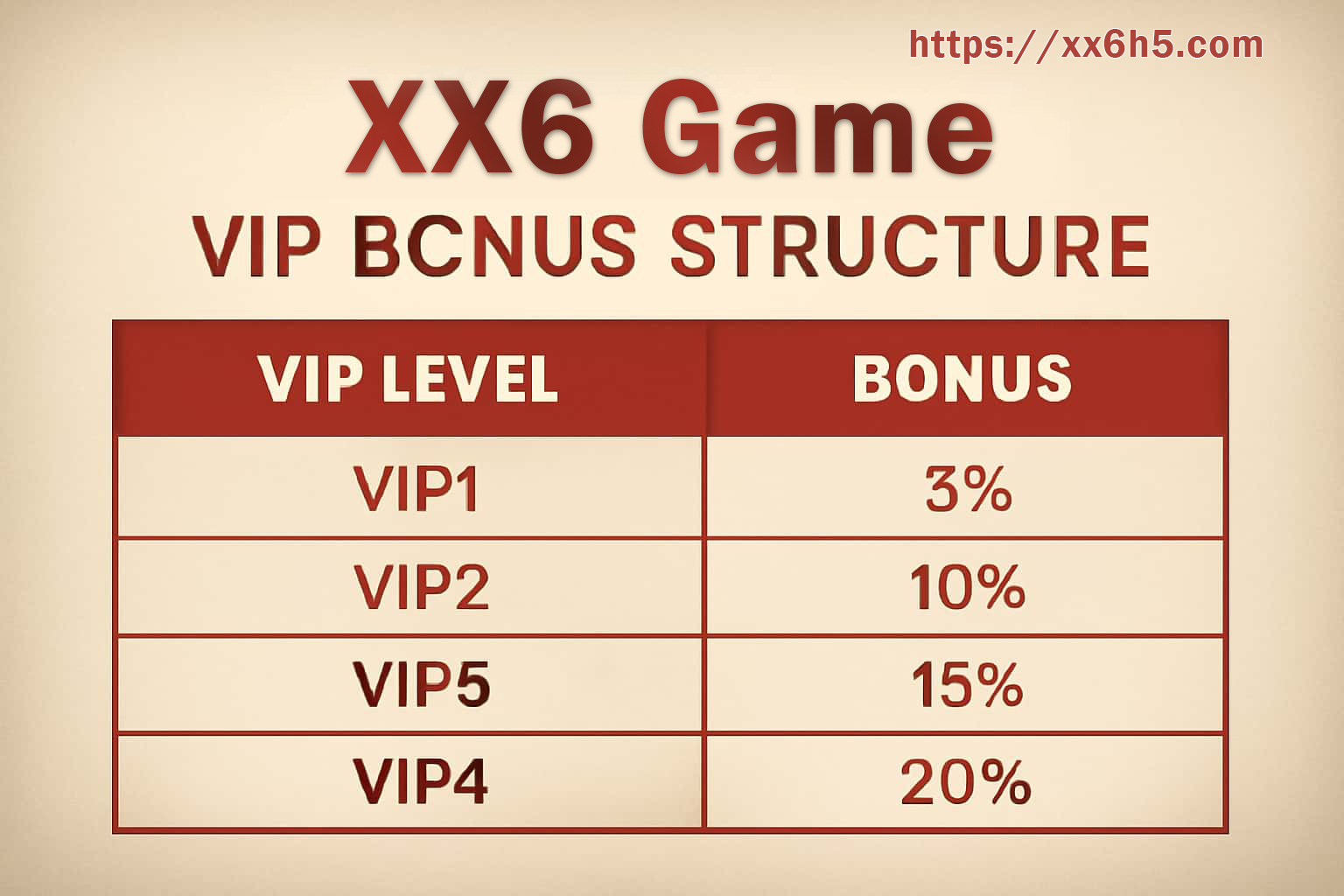
Membership details belong to the account you are viewing. Open the current XX6 level screen to see your progress and available extras; a saved image from an earlier campaign may describe a different program.

Some tiers may include event access, support options, or selected offers. Check the feature you intend to use rather than assuming a higher level includes everything. Look for its activation control, valid dates, renewal requirements, and any separate account check.

Confirm the current tier and its conditions inside your signed-in account.

A CLOSER LOOK

Reading the membership screen

Where the Level Comes From

Qualifying activity, profile reviews, membership history, and participation may contribute to the displayed tier. Use the calculation described by the current program.

Compare Features Individually

A program may attach selected tools, invitations, offers, or a different help route to particular levels. Inspect the list for your own tier.

Read the Usage Window

Find the expiry and any restrictions before activating an extra. Keep its use within the time and budget limits you already chose.

Check Event Entry Separately

A membership invitation may still carry attendance, scoring, and final-result conditions. Open the event rules before treating the invitation as completed entry.

Prepare a Clear Help Request

Where a priority route exists, provide the affected screen, time, and relevant image. That information helps the recipient identify what needs reviewing.

Find an Unavailable Feature

Compare your level, verification status, activation, and the feature dates. If the conditions match but access remains absent, report that specific difference to support.